

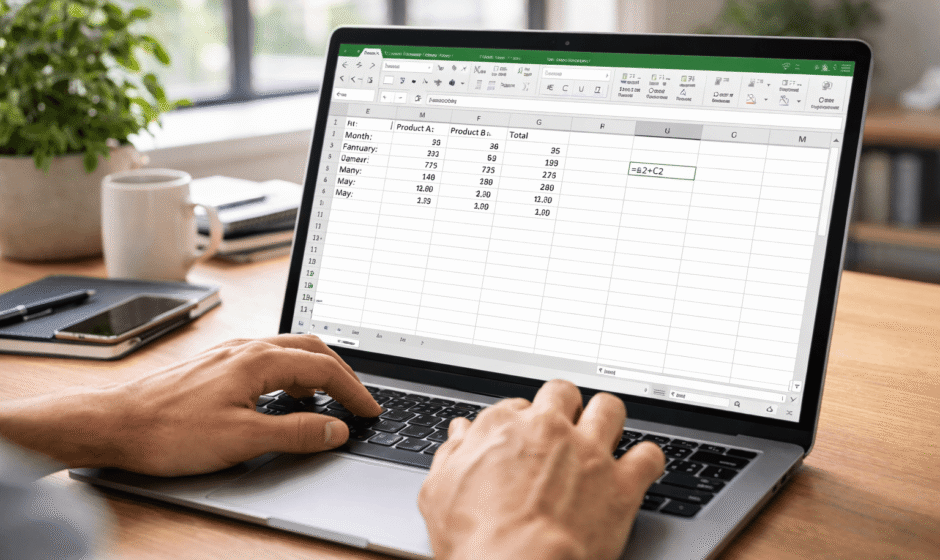

Introduction
If Excel has ever looked confusing, overwhelming, or just plain messy — you’re definitely not alone.
Most beginners think Excel is complicated because they try to learn everything at once. But the truth is much simpler: once you understand the basics, Excel becomes one of the easiest and most powerful tools you can use.
In this guide, you’ll learn how to use Excel for beginners step by step, in a way that actually makes sense.
What Is Excel and Why Should You Learn It?
Microsoft Excel is a spreadsheet tool designed to organize, analyze, and calculate data.
Why Excel matters in 2026:
- Used in almost every industry
- Helps automate repetitive tasks
- Makes data easier to understand
- Essential for business, finance, and operations
Even basic Excel knowledge can give you a serious advantage.
Understanding the Excel Interface
Before doing anything, you need to understand what you’re looking at.
Key Elements
- Cells: Individual boxes where you enter data
- Rows: Horizontal lines (1, 2, 3…)
- Columns: Vertical lines (A, B, C…)
- Formula Bar: Where formulas are written
- Sheet Tabs: Multiple pages inside one file
Once you understand this structure, everything becomes easier.
Basic Excel Tasks You Should Learn First
Entering Data
Click on any cell and start typing.
Press Enter to move down or Tab to move right.
Formatting Cells
You can easily improve readability by:
- Changing font size and color
- Adding borders
- Highlighting important values
Clean data = better results.
Creating Tables
Turning your data into a table helps a lot.
Benefits:
- Easier sorting
- Built-in filters
- Better organization
Essential Excel Formulas for Beginners
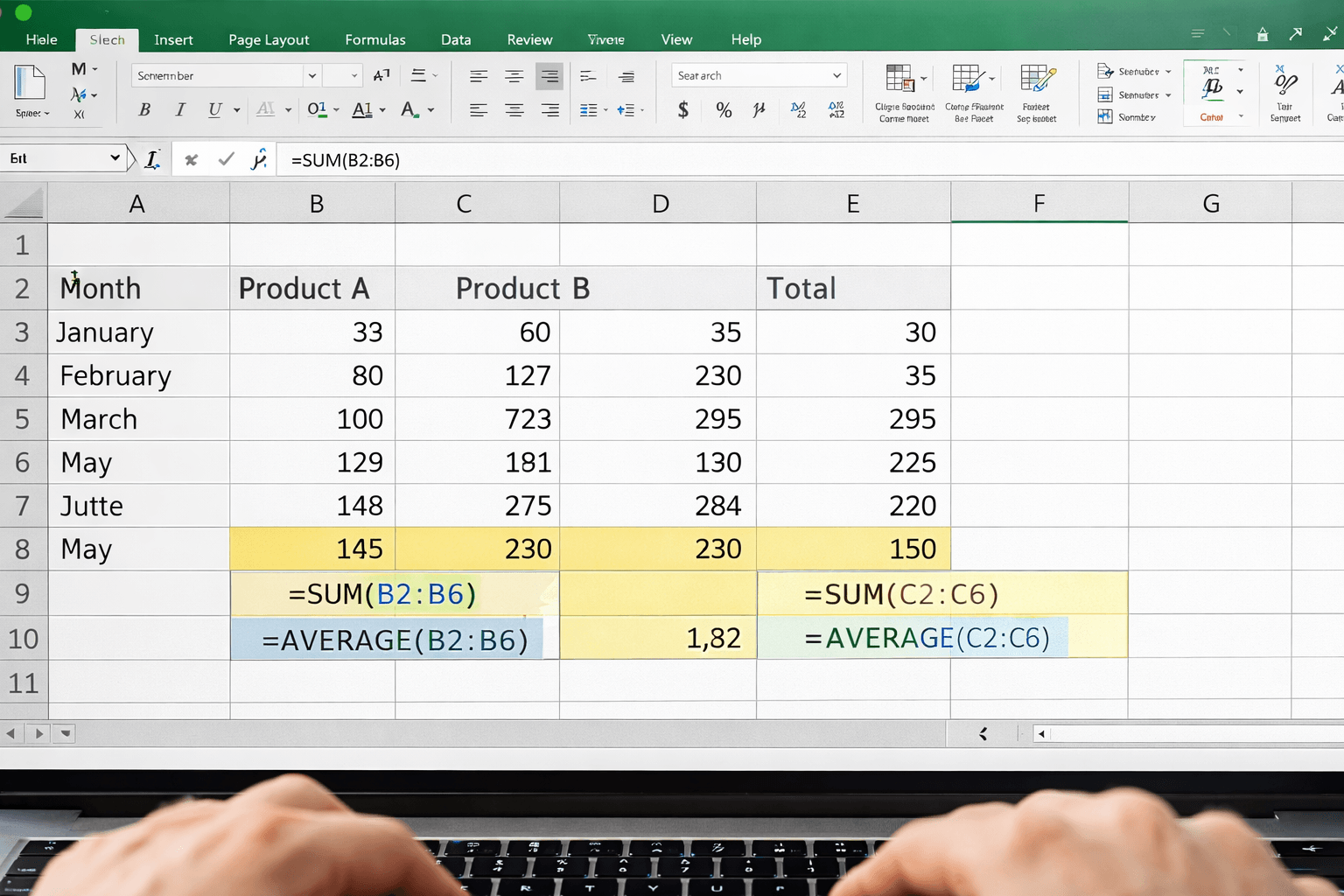
These formulas are the foundation of Excel.
SUM
Adds numbers together.
=SUM(A1:A10)
AVERAGE
Calculates the average.
=AVERAGE(A1:A10)
IF
Creates simple logic.
=IF(A1>50,"Pass","Fail")
XLOOKUP
Finds values in a table.
=XLOOKUP(A1,B1:B10,C1:C10)
Practical Example: Expense Tracker
One of the easiest ways to learn Excel is to build something useful.
Create a simple table:
- Date
- Category
- Amount
Then:
- Use SUM to calculate total spending
- Use filters to analyze categories
This is where Excel becomes practical, not theoretical.
Excel vs Other Tools
| Tool | Best For | Difficulty | Flexibility |
|---|---|---|---|
| Excel | Data & calculations | Medium | Very High |
| Google Sheets | Collaboration | Easy | High |
| Notion | Notes & organization | Easy | Medium |
| Airtable | Databases | Medium | High |
Common Mistakes Beginners Make
Trying to Learn Everything at Once
Focus on basics first.
Ignoring Formulas
Without formulas, Excel is just a grid.
Poor Data Organization
Messy data leads to confusion.
Pro Tips to Learn Excel Faster
Practice With Real Examples
Build small projects instead of only watching tutorials.
Learn Shortcuts
- Ctrl + C → Copy
- Ctrl + V → Paste
- Ctrl + Z → Undo
Keep It Simple
Don’t overcomplicate your sheets.
Be Consistent
Even 10–15 minutes daily makes a big difference.
Conclusion
Excel isn’t difficult — it just feels that way at the beginning.
Once you learn the basics, it becomes one of the most valuable tools you can use in your daily life or business.
Start small, stay consistent, and keep practicing.
Because in 2026, knowing Excel isn’t just useful — it’s a real advantage.