



Introduction
Building a website used to require developers, long timelines, and multiple revisions before anything went live.
Now, tools like Framer offer a completely different approach — letting you design and publish websites visually without writing code.
When I first tried Framer, what stood out was how fast you can go from idea to a live site compared to traditional builders.
But is Framer actually worth using, or is it just another builder with limitations?
In this review, I’ll break down everything you need to know before deciding.
What Is Framer?
Framer is a no-code website builder focused on design flexibility, animations, and performance.
It allows you to:
- Design visually on a canvas
- Build responsive layouts
- Add animations and interactions
- Publish websites instantly
In my experience, Framer feels more like a design tool than a traditional website builder, which makes it especially appealing for designers.
It combines design and development into a single workflow, reducing the need for handoffs between teams.
Key Features
Visual Website Builder
Framer allows you to design directly on the canvas, similar to tools like Figma.
Benefits:
- No coding required
- Drag-and-drop elements
- Real-time updates
- Clean and intuitive design experience
From my experience, this makes the design process much faster, especially for simple landing pages and portfolios.
Advanced Animations
One of Framer’s biggest strengths is its animation system, which allows you to create modern and interactive websites.
You can:
- Add smooth transitions
- Create interactive elements
- Build engaging UI experiences
These features help make websites feel more dynamic and visually appealing without needing external tools.
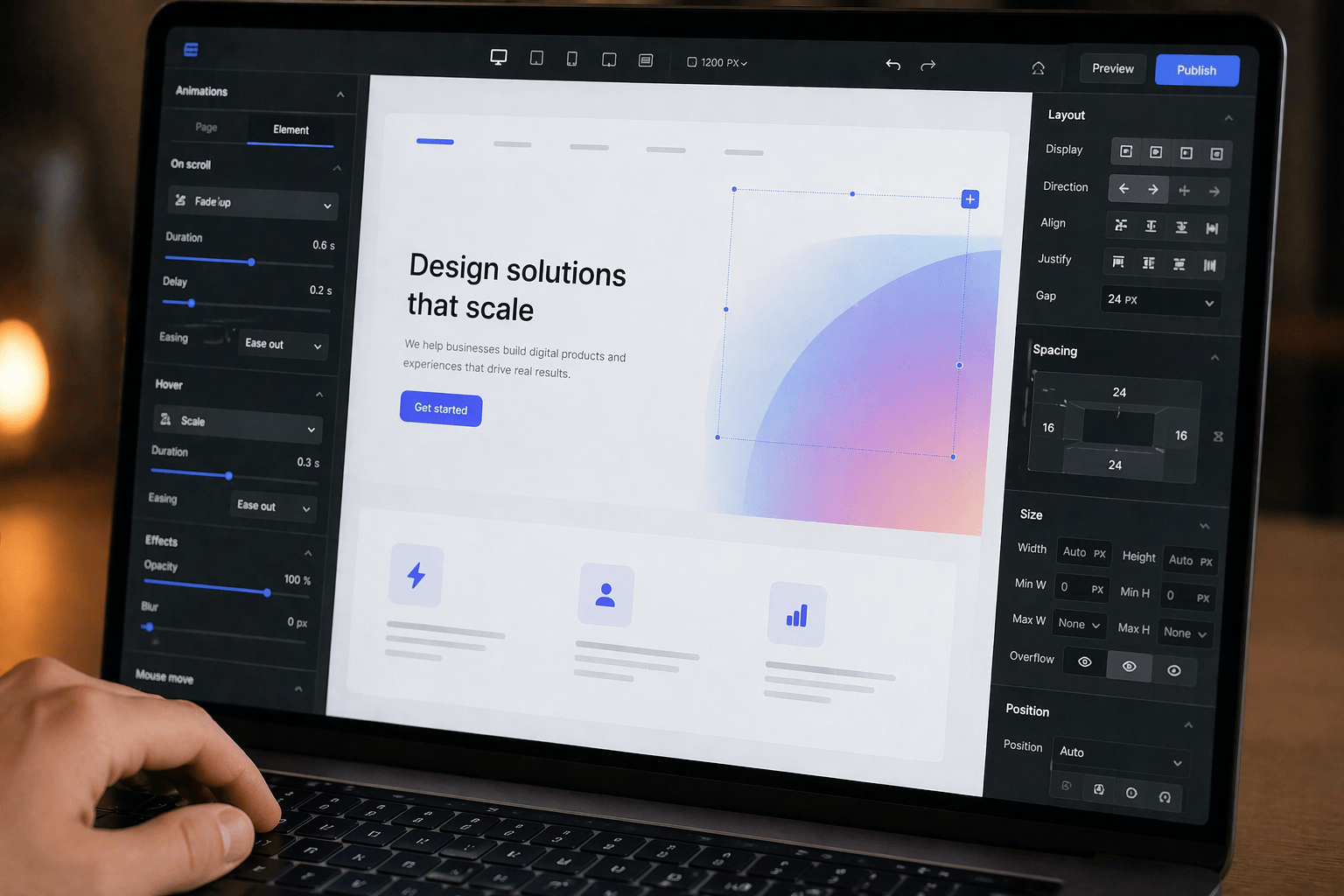
Responsive Design
Framer automatically adapts your website to different screen sizes, which is essential for modern web design.
You can:
- Customize mobile layouts
- Control breakpoints
- Optimize responsiveness
From my experience, having this level of control makes it much easier to create a consistent experience across devices.
Built-In Hosting
Framer includes built-in hosting, so you don’t need to deal with external providers.
Benefits:
- Fast loading speeds
- No need for separate hosting setup
- Quick and easy publishing
Everything is handled in one place, which simplifies the entire workflow.
CMS Functionality
Framer also includes a content management system, making it suitable for content-driven websites.
You can:
- Create blog posts
- Manage and update content
- Build dynamic pages
In my experience, this feature is especially useful if you plan to scale your site over time.
Framer Pricing Overview
Framer offers multiple pricing plans based on how you use the platform.
Free plan includes:
- Basic site creation
- Limited features
- Framer branding
Paid plans include:
- Custom domains
- More pages
- CMS access
- Advanced features
Pricing scales as your project grows, which makes it flexible but also something to consider for larger websites.
Pros
Easy to Use
The interface is clean and beginner-friendly, making it easy to get started quickly.
Strong Design Capabilities
Framer is especially powerful when it comes to creating visually appealing and modern websites.
Fast Performance
Built-in hosting and optimized output help ensure fast loading speeds.
All-in-One Platform
You can design, build, and host your website without needing additional tools.
Cons
Limited Advanced Customization
It’s not the best option for projects that require complex backend functionality.
Learning Curve for Animations
While powerful, advanced animations can take time to fully understand and use effectively.
Pricing for Larger Projects
Costs can increase as your project grows and requires more features.
Who Should Use Framer?
Framer is a great choice for:
- Designers
- Freelancers
- Small businesses
- Portfolio websites
- Landing pages
It works best for projects where design and visual presentation are the main focus.
Who Should Not Use Framer?
Framer may not be the right choice if you:
- Need complex backend systems
- Are building large e-commerce platforms
- Require heavy custom development
In these cases, more flexible platforms may be a better fit.
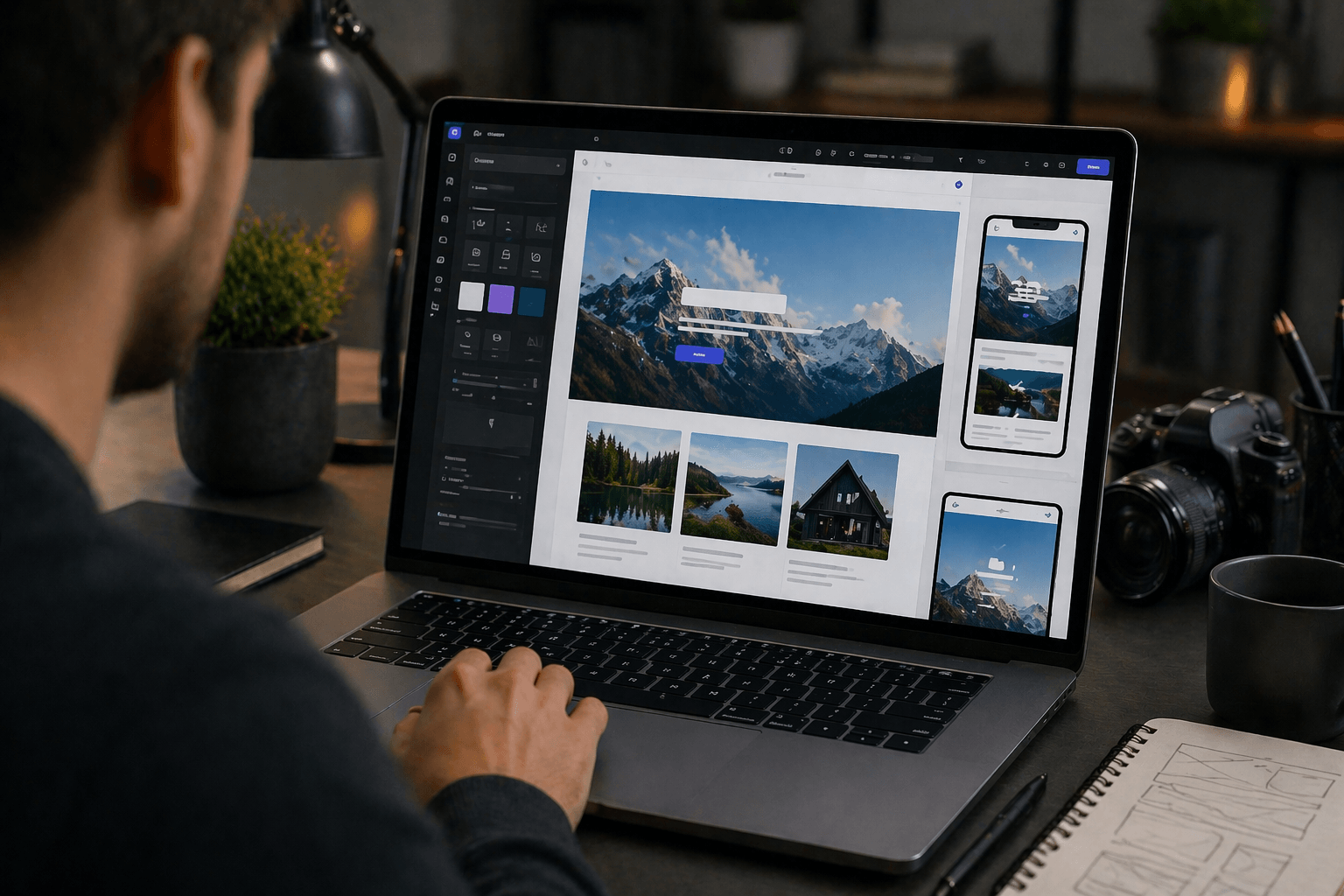
Framer vs Other Website Builders
To better understand where Framer stands, it helps to compare it with more traditional website builders.
| Feature | Framer | Traditional Builders |
|---|---|---|
| Design control | High | Medium |
| Ease of use | Easy | Easy |
| Animations | Advanced | Limited |
| Custom backend | Limited | Varies |
From my experience, Framer stands out mainly because of its design flexibility and built-in animation capabilities.
Common Mistakes
Overusing Animations
Using too many animations can slow down your site and negatively impact user experience. It’s better to keep things balanced.
Ignoring Mobile Design
Even though Framer supports responsive design, you still need to actively optimize layouts for mobile devices.
Choosing the Wrong Plan
Starting with a higher plan than necessary can increase costs. It’s usually better to begin with a lower tier and scale later.
Pro Tips
Keep Design Clean
Simple and clean layouts tend to perform better and are easier for users to navigate.
Use Animations Carefully
Animations should enhance the experience, not distract from it.
Optimize Images
Reducing image size and optimizing assets helps improve loading speed.
Test Responsiveness
Always check your design across different screen sizes to ensure a consistent experience.
Conclusion
Framer is a powerful tool for building modern and visually impressive websites without needing to write code.
It’s fast, flexible, and especially well-suited for design-focused users.
If you’re looking for:
- Clean and modern design → Framer
- Advanced animations → Framer
- A simple and efficient workflow → Framer
Then it’s definitely worth trying.
Because today, the best websites aren’t just functional — they’re fast, engaging, and visually appealing.